In this article
- Open Webex App.
- Click Contacts (the address book icon on the left side).
- Click the + button at the top of the Contacts list.
- Select Add a contact.
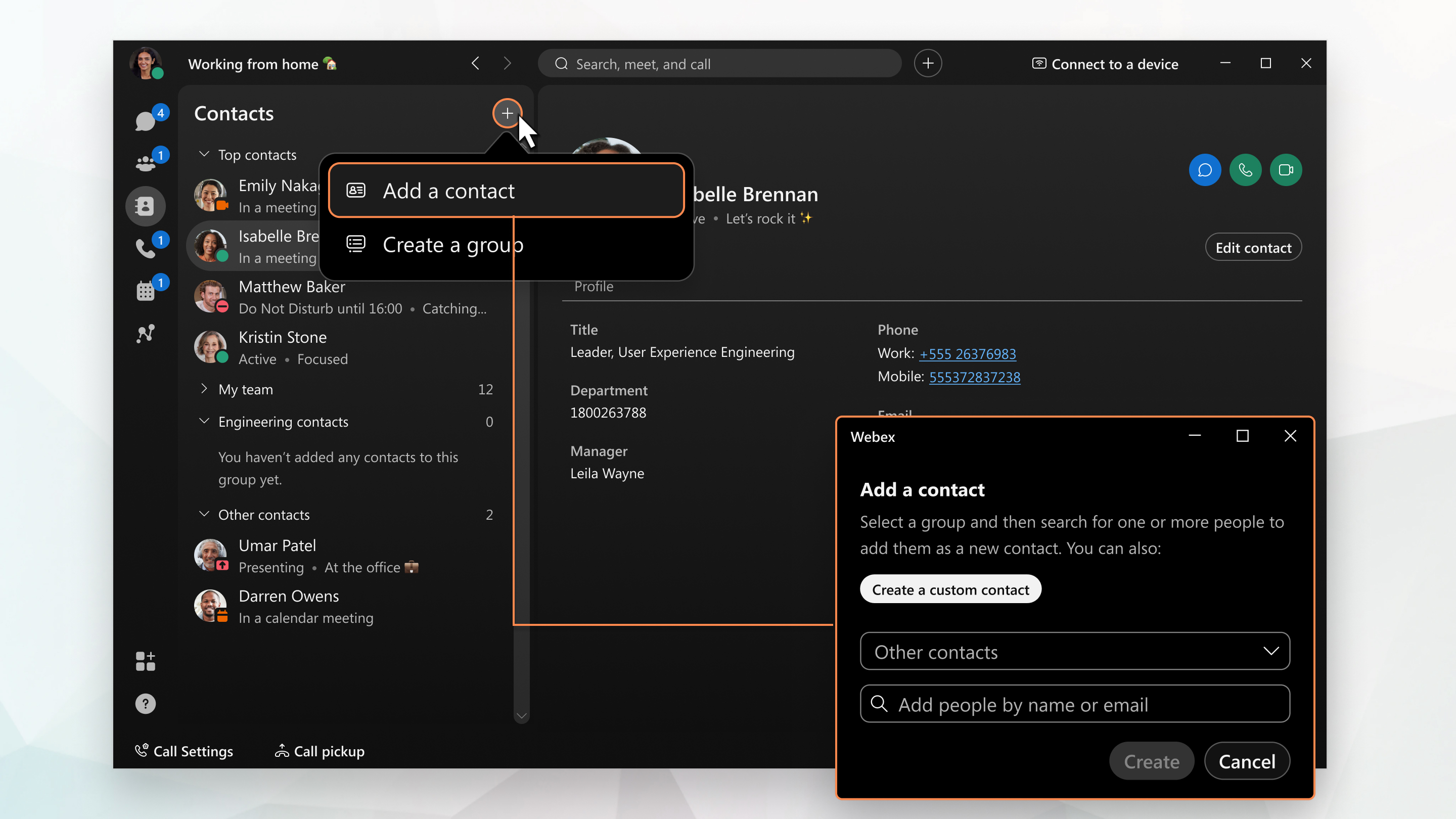
- In the search box, type the person's:
- Name, Email address ,or Extension (if applicable)
- Select the person from the search results.
- Choose where to save them:
- Top Contacts (favorites), Other Contacts, or create a New Group
- Click Add. The contact now appears in your contact list.